Restore the context
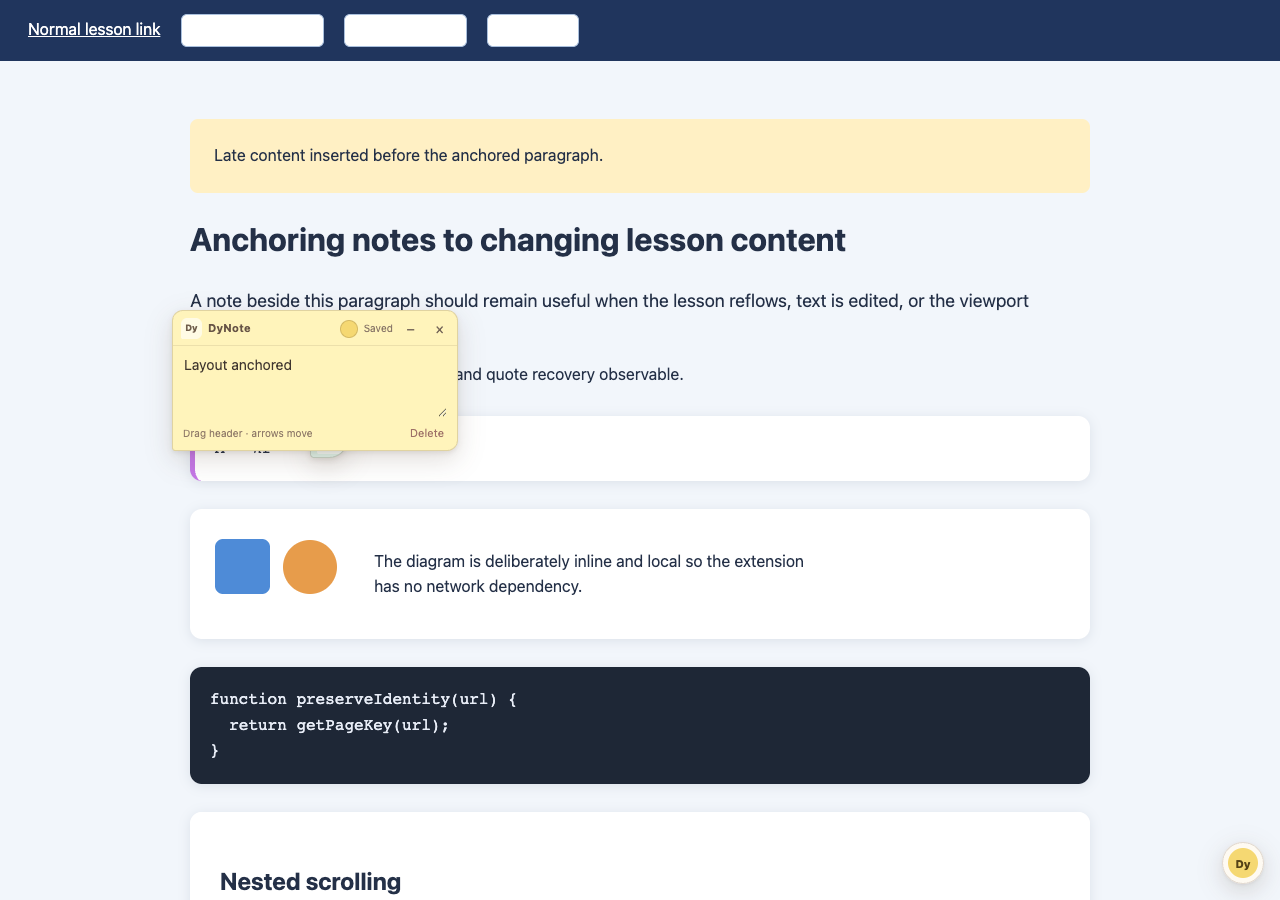
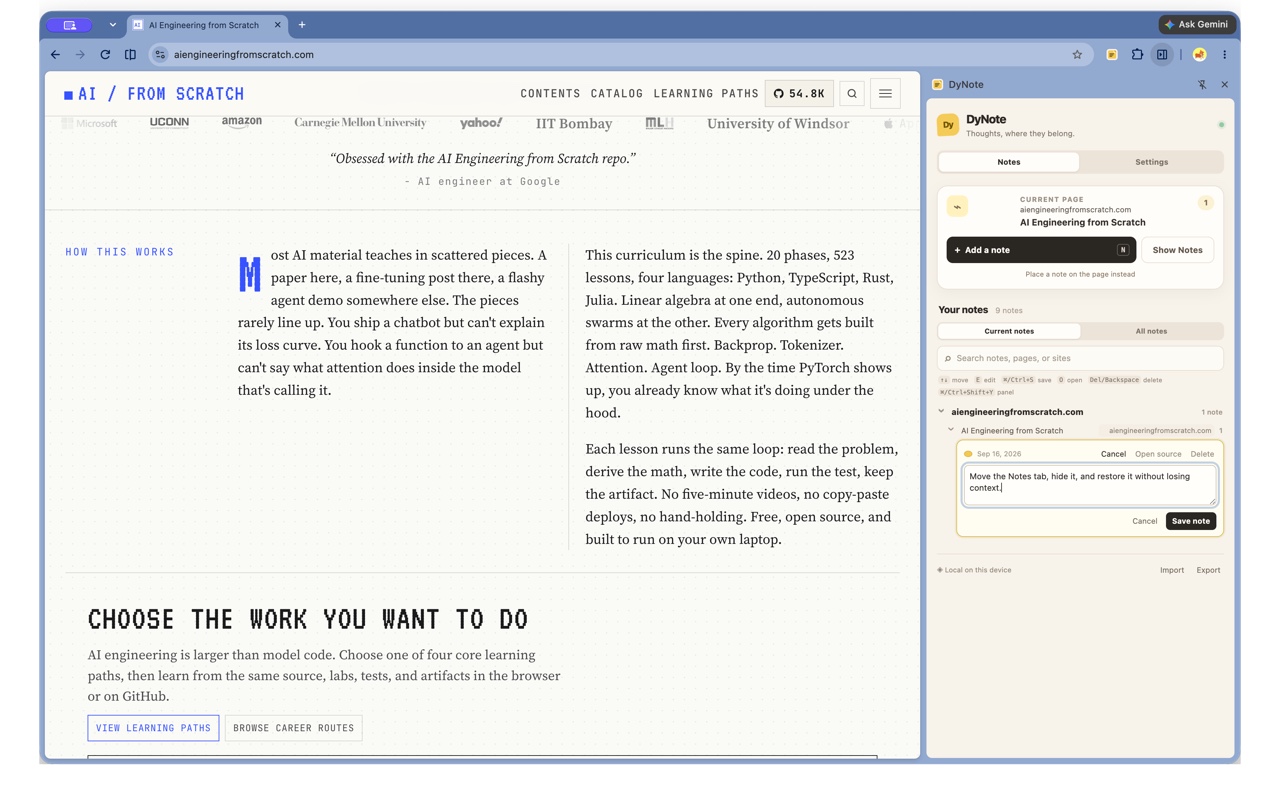
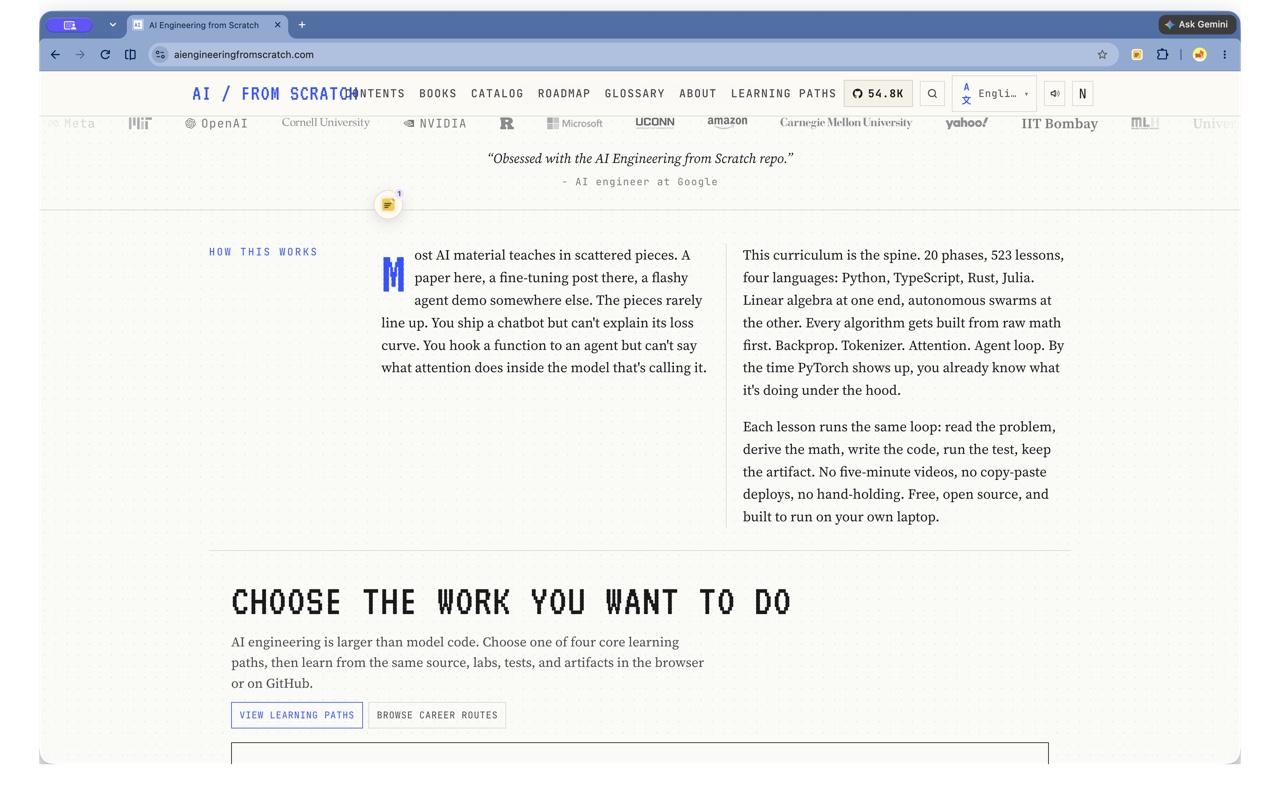
Notes remember a page location with nearby DOM context and a document position, so they can follow ordinary reflow and layout changes.
A study note for the web
DyNote puts a small, useful note beside the paragraph, equation, or code you want to remember. Come back later and find it where the thought belongs.
Chrome and Edge · MV3 · DyNote 0.1.0
Local-first notes with JSON export and validated import.
A closer look
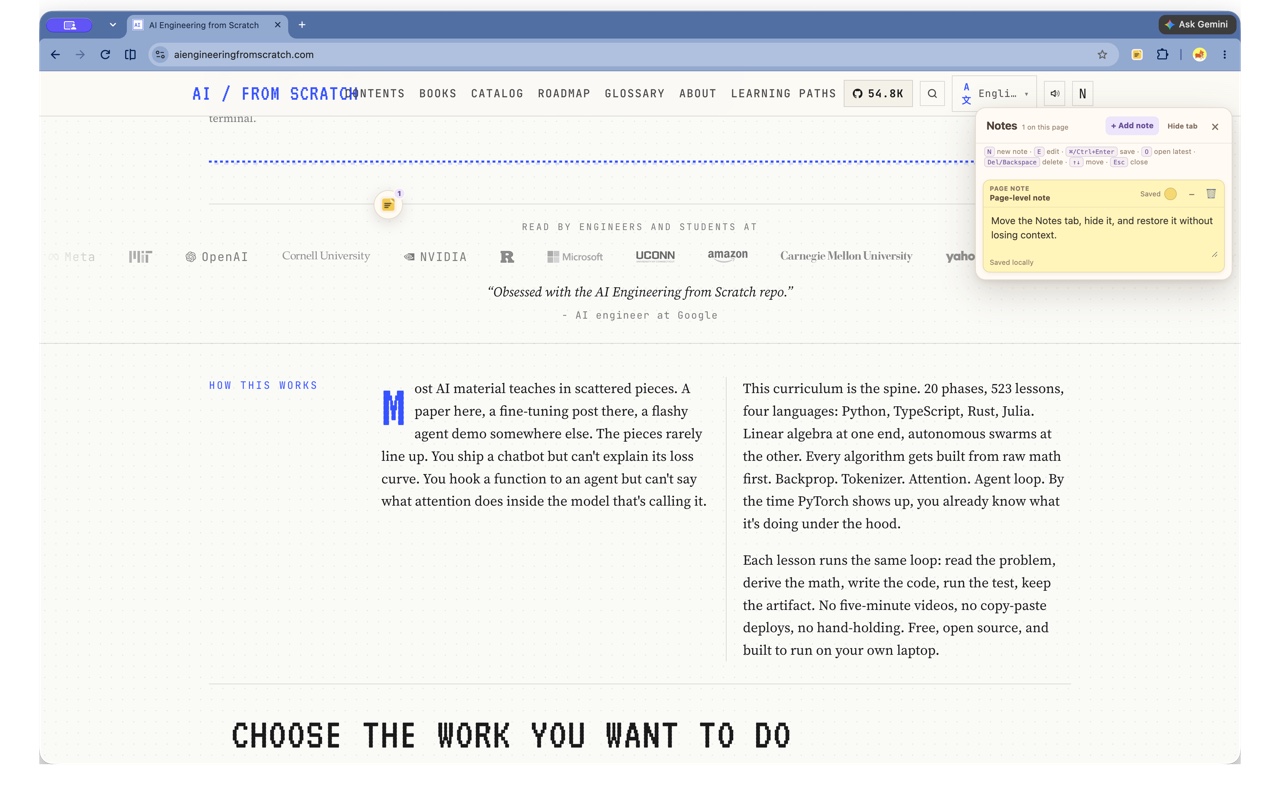
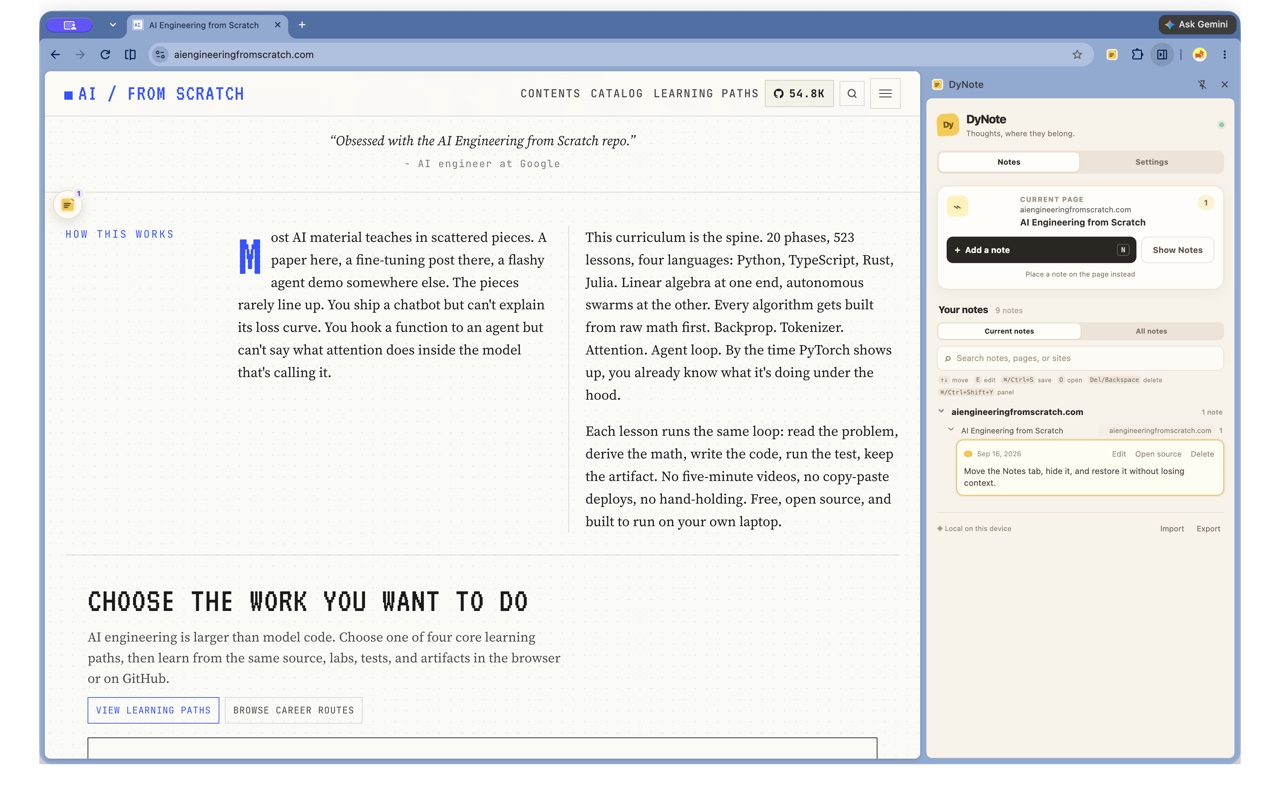
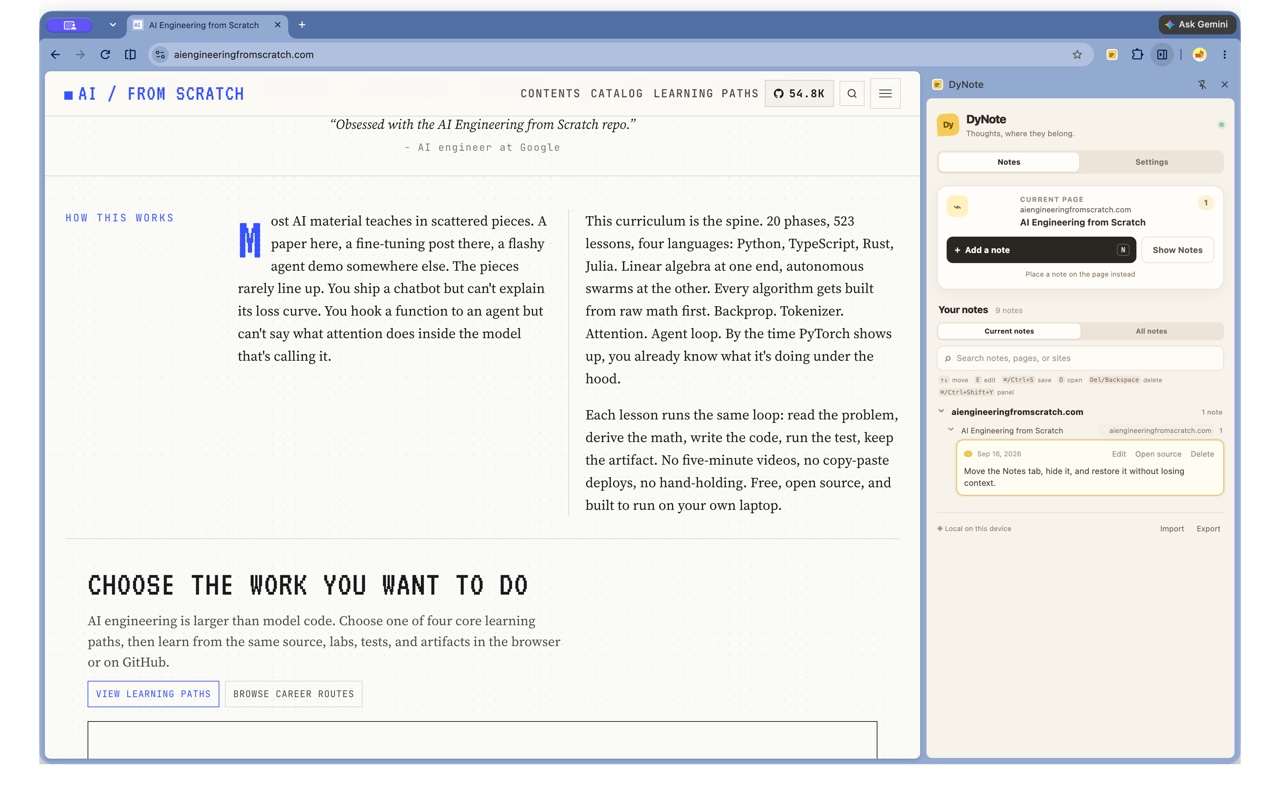
Watch the short walkthrough, then explore the drawer, side panel, editing, and tab controls.
Made for the margin
DyNote stays compact while you read, study, compare, and work through a page that keeps moving.
Notes remember a page location with nearby DOM context and a document position, so they can follow ordinary reflow and layout changes.
Text and placement stay in your browser’s local extension storage. There is no account, sync service, analytics, or note network.
Drag a note, choose one of four calm colors, collapse it to a pin, or undo a delete. Quiet autosave keeps up as you type.
Three small moves
The page stays yours. DyNote only adds a lightweight layer when you ask it to.
Open the DyNote popup, choose Add a note, then click beside the passage or example you want to mark.
Type freely. Move the card by its header, change its color, or collapse it into a small pin when the page needs space.
Visit the page again to restore your notes. Export a JSON backup or validate and merge one later from the popup.
Local by design
DyNote has no login and no cloud notebook. Its content script processes the current page locally to place and restore the note you asked for.
chrome.storage.local on your deviceGood to know
DyNote is useful on ordinary pages and honest about the browser surfaces it cannot reach.
No. Notes stay in the current browser profile. Use the local JSON backup when you need to carry them yourself.
DyNote targets ordinary top-level HTTP and HTTPS pages. Browser-internal pages, extension stores, embedded frames, and closed shadow roots are outside its reach.
Existing notes stay unchanged. A differing ID collision is restored as a copy, an equivalent copy is skipped on repeat import, and each file is validated before merging.
It can. DyNote uses contextual anchors and a saved position, but virtualized content, heavy redesigns, and responsive changes can make a best-effort match unavailable.
Stay in touch
Send a note about support, feedback, or privacy. Your mail app will open with the DyNote contact address ready.